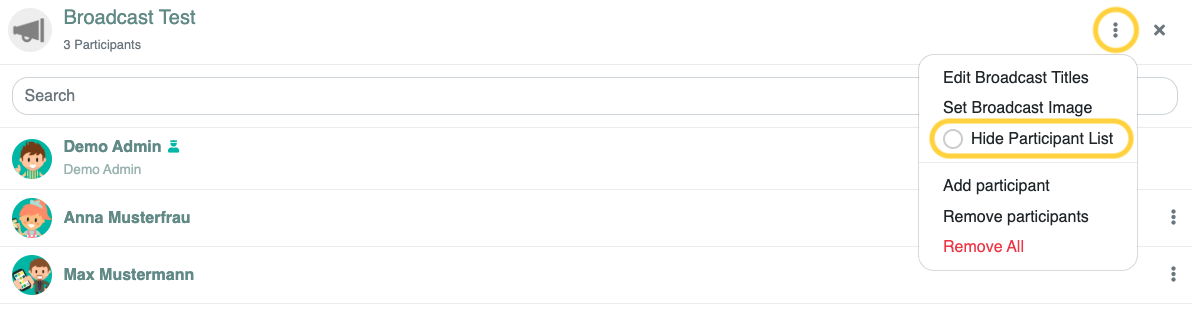
You can hide the members of a broadcast. This way, the recipients won't see who else is in the recipient group.
¶ Step 1
Start a new broadcast.

If you don't see the broadcast icon, the feature may not be enabled for you. You can find more information here.
If you want to change the settings for an existing broadcast, click the gear icon and select Broadcast Info.
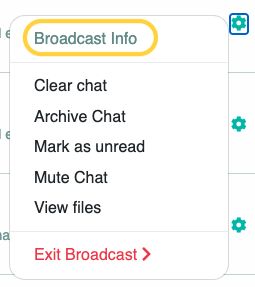
In that case, please continue reading at Step 3.
¶ Step 2
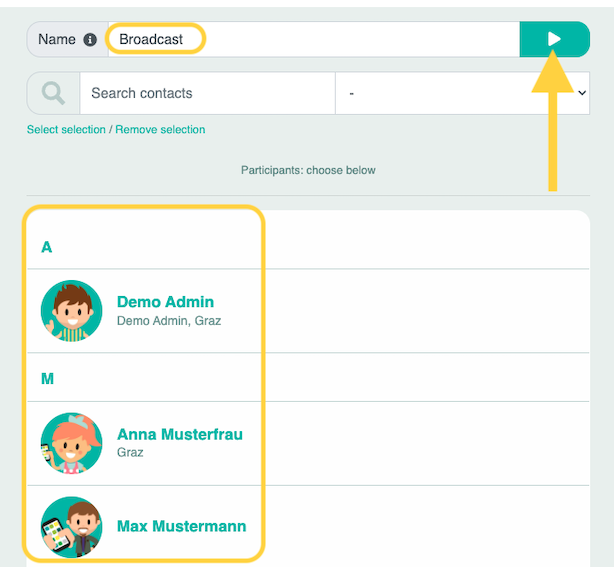
Name the broadcast and select the participants. Then click the play icon.
¶ Step 3
Click the “i” icon (unless you are editing an existing broadcast via Broadcast Info).

Next, select the three dots and check the box next to Hide Participant List.