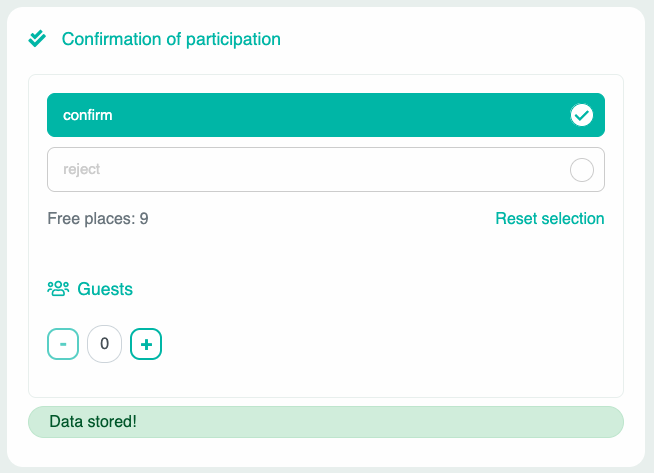
You can specify directly at the bottom of the respective appointment whether only a certain number of users can participate. Once the number of participants specified here has confirmed their participation, no further participation is possible.
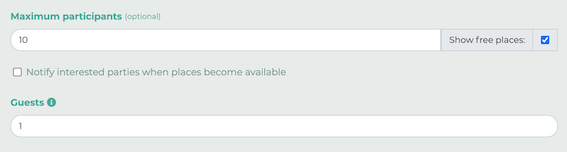
You can also allow a certain number of guests.
¶ Participants and guests
If you set a maximum number of participants and allow guests, LOLYO will calculate the actual number of people.
Example:
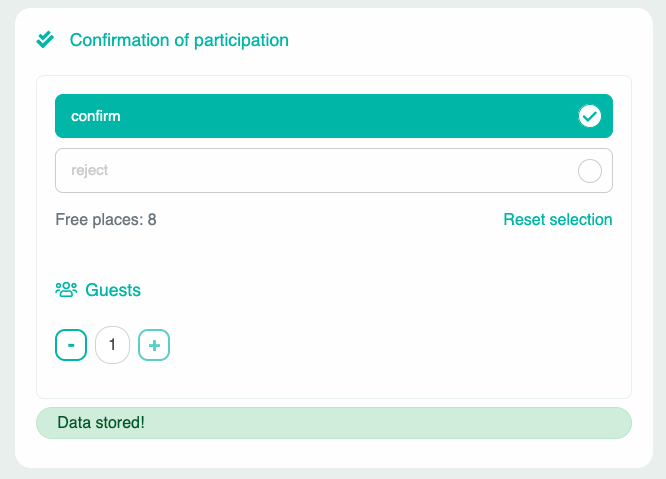
With a maximum of ten participants and one guest allowed, this selection leaves eight open spots.
If you select 0 guests, there will be 9 spots left.