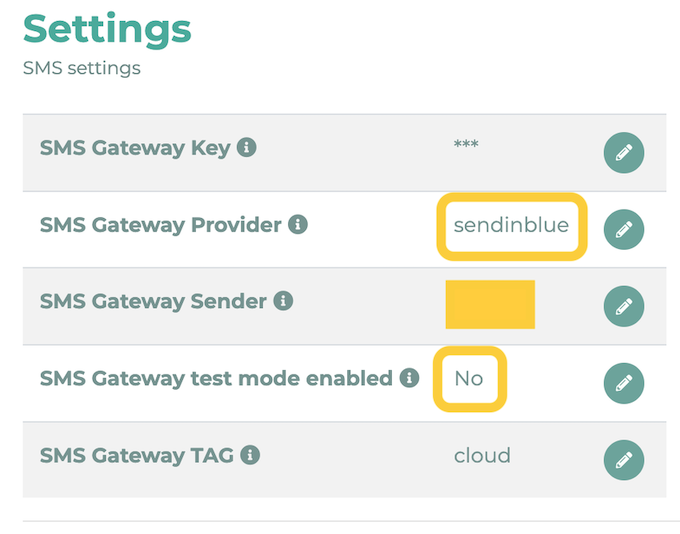
Due to changes implemented by the Austrian telecommunications regulatory authority RTR (Rundfunk und Telekom Regulierungs-GmbH), it will no longer be possible to specify a custom sender for text messages in Austria as of October 1, 2026, at the latest. The sender will automatically be set to LOLYO. To select a different sender, please follow the steps below.
¶ How do I set up my own sender address?
- You must register your own account at https://app.brevo.com/
- You must register your sender ID (trademark protection or similar required; generic names are not allowed). Alternatively, enter a valid phone number.
- You must top up your SMS credit.
- You must create your own API key.
- Change the SMS settings in LOLYO so that messaging and billing are handled through your account. Enter the correct key under SMS Gateway Key. For SMS Gateway Provider, please enter “sendinblue.” For the sender, enter your Sender ID.