You can choose which reactions (emojis) should be available in LOLYO.
¶ Step 1
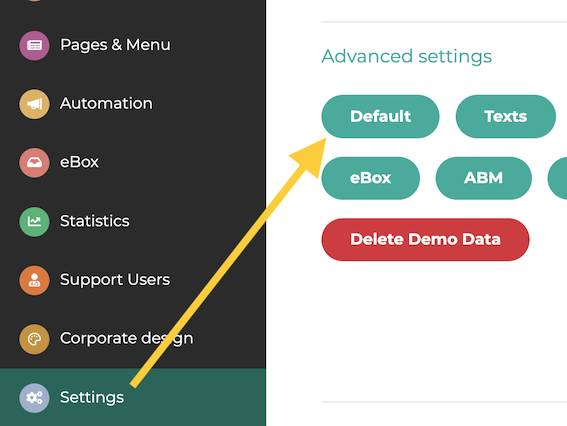
To do this, go to Settings and click the “Default” button.
¶ Step 2
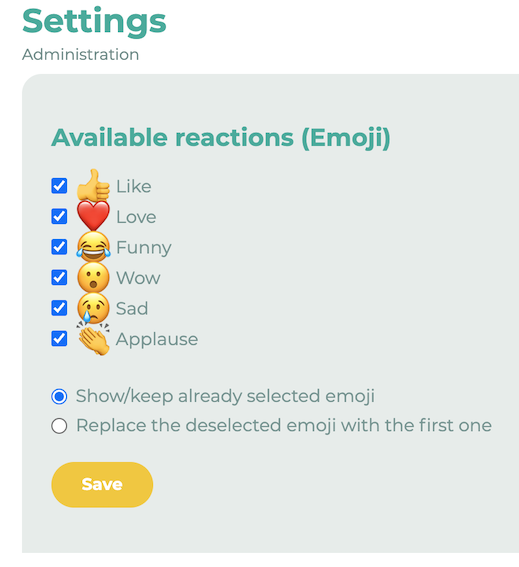
Scroll down to “Available Reactions (Emojis)” and click the pencil icon.

¶ Step 3
You can choose between Unicode emojis and LOLYO emojis. Now select the emojis you want to make available. You can also customize your chat settings.
¶ Colors (LOLYO emojis only)
If you use LOLYO emojis, you can set a different color for each emoji.
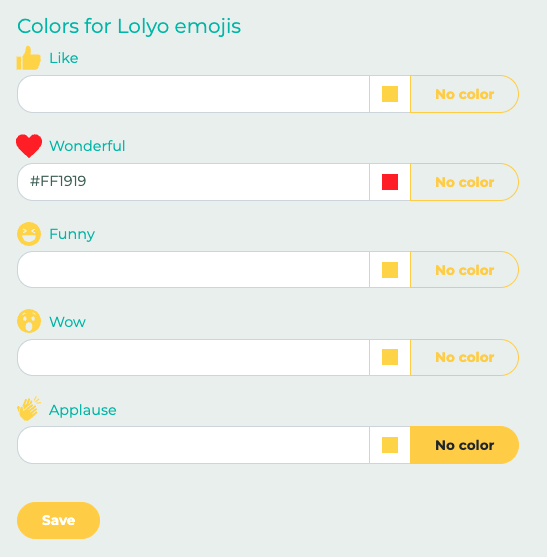
Then click Save.