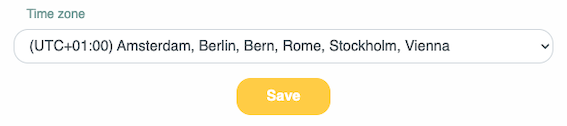
You can allow employees to choose their own time zone.
¶ Step 1
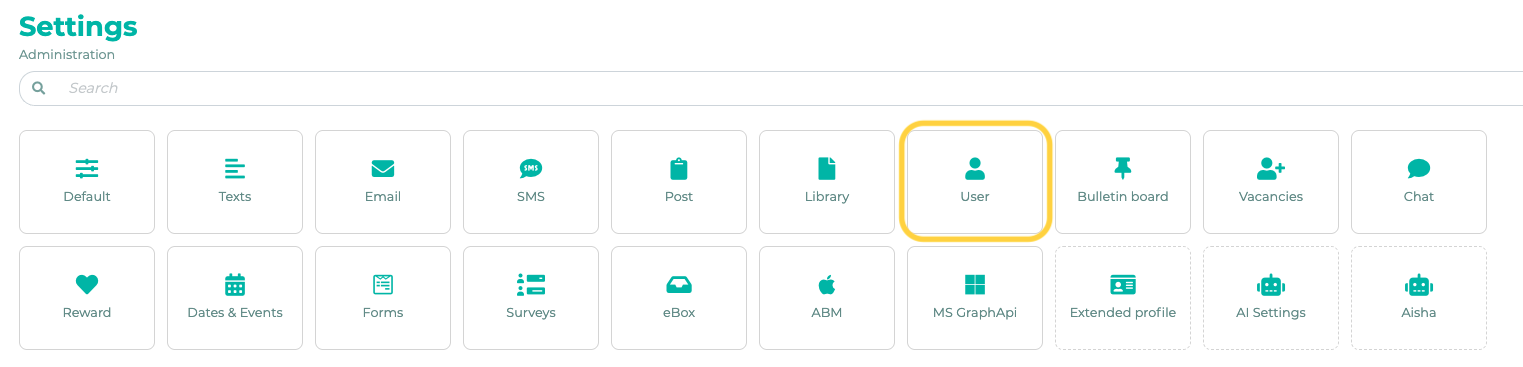
To do this, go to Settings in the admin area and click on User.
¶ Step 2
Scroll down to the section titled Employees can change time zone. Click the pencil icon and select the target groups that are allowed to change the time zone.

Save the changes.
¶ User Area
Employees can now set their time zone in their profile.