¶ Step 1
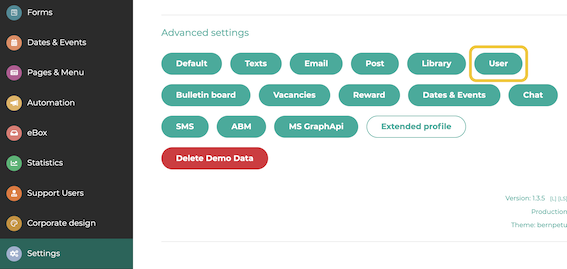
In the administration area, navigate to Settings and click on Users.
¶ Step 2
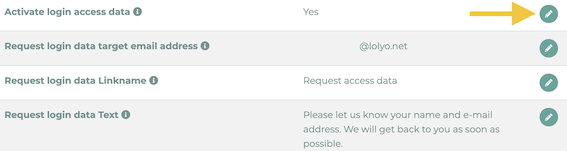
Scroll down to the item Activate login access data. Click on the pencil icon.
¶ Step 3
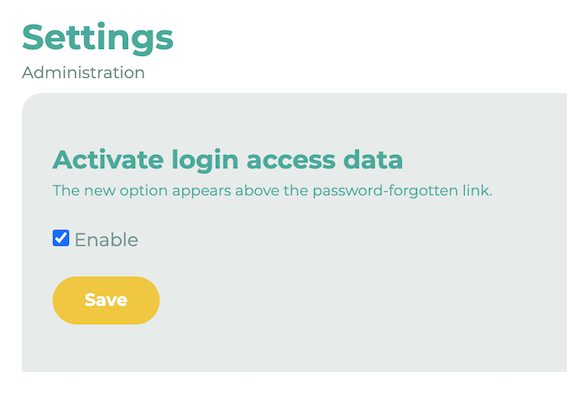
Tick the box next to Enable. Click on Save
Then return to the previous menu (from step 2) and edit the items Request login data target e-mail address, Request login data Linkname and Request login data Text. Enter a valid e-mail address to which the access data request should be sent. Then define the Request access data link name and Request access data text (displayed to the user).
¶ Step 4
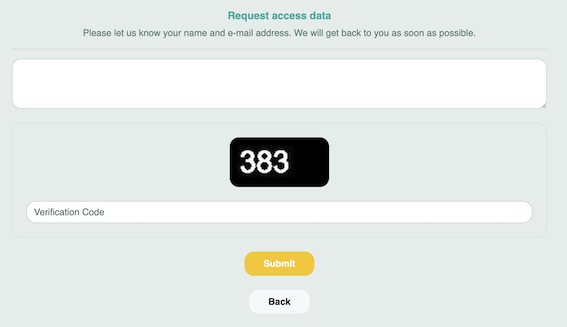
If the four fields have been filled in correctly, a new button will appear on the login page.
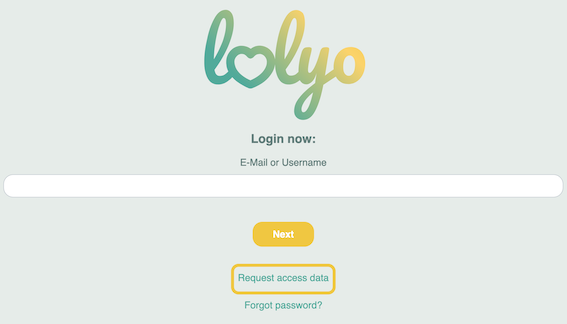
Via this button, users can now send a request to reapply for their login data.