You can format the texts in the chat, on the bulletin board and in the comments.
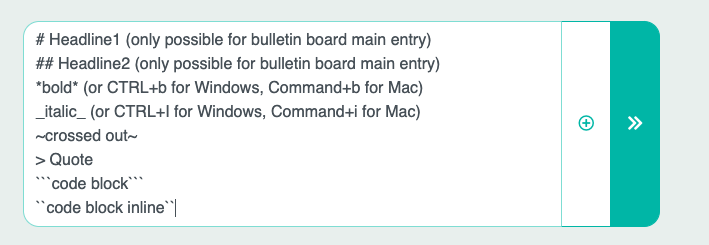
Simply place the words within the following characters:
# Headline1 (only possible for bulletin board main entry)
## Headline2 (only possible for bulletin board main entry)
*bold* (or CTRL+b for Windows, Command+b for Mac)
_italic_ (or CTRL+I for Windows, Command+i for Mac)
~crossed out~
> Quote
```code block```
``code block inline``
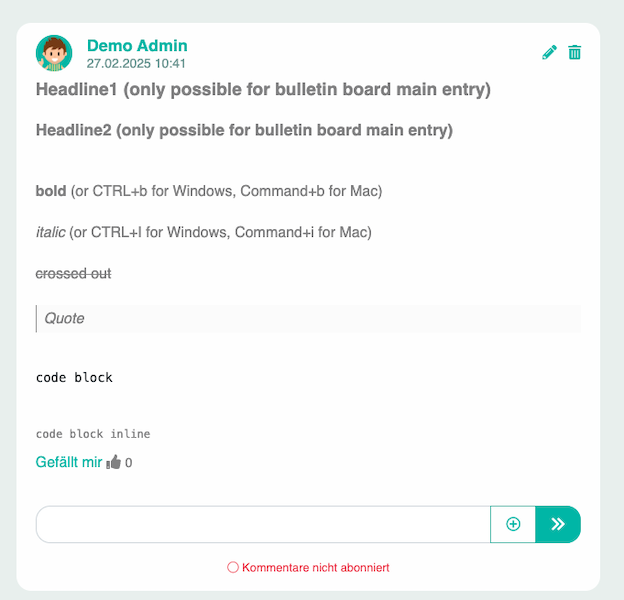
For example, the formatting would look like this for a bulletin board post: