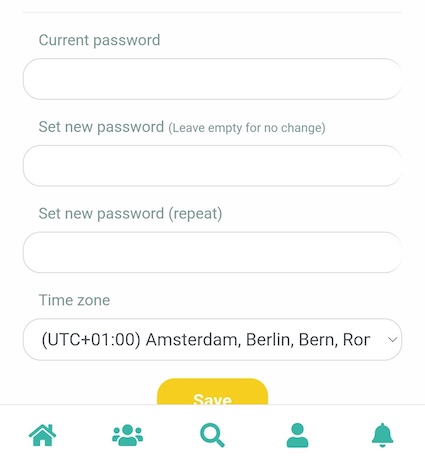
You can change your password if your company has enabled this option.
¶ Desktop
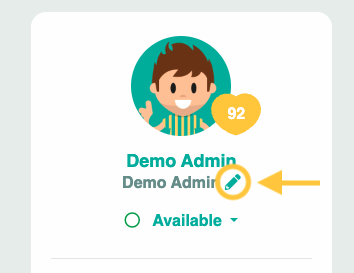
Step 1:
From your homepage, navigate to the pencil icon below your profile picture and name.
Step 2:
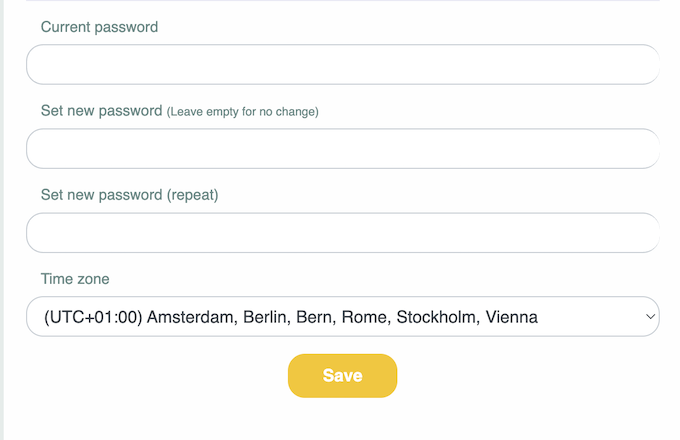
First, enter your current password. Then select your new password and enter it again in the 'Set new password (repeat)' field. Finally, click Save.
¶ Mobile
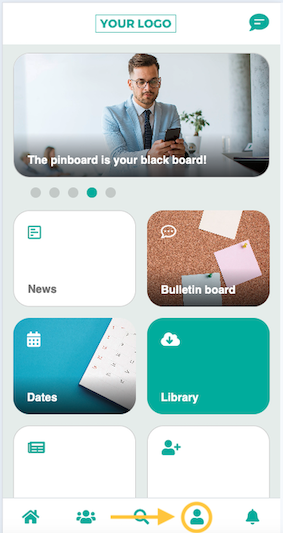
Step 1:
Select the profile icon in your app.
Step 2:
First, enter your current password. Then select your new password and enter it again in the 'Set new password (repeat)' field. Finally, click Save.