If you use the general LOLYO app, you can select an instance by choosing a company code. This will take you to an app belonging to another company. This could be useful if you have changed companies, for example.
¶ Step 1
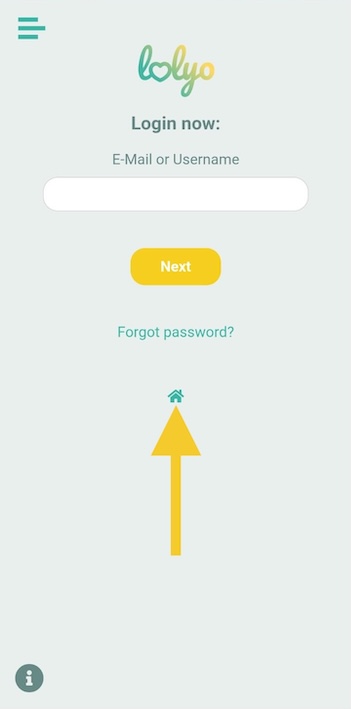
On the login screen, click the 'Home' icon.
¶ Step 2
Now click on the icon to change companies.

You can also try the following to access the company selection:
Depending on your Android version:
- Press and hold the back button at the top.
- Briefly press the volume up and down buttons simultaneously.
iPhone:
- Select Settings > Apps > LOLYO > Reset and open the app.