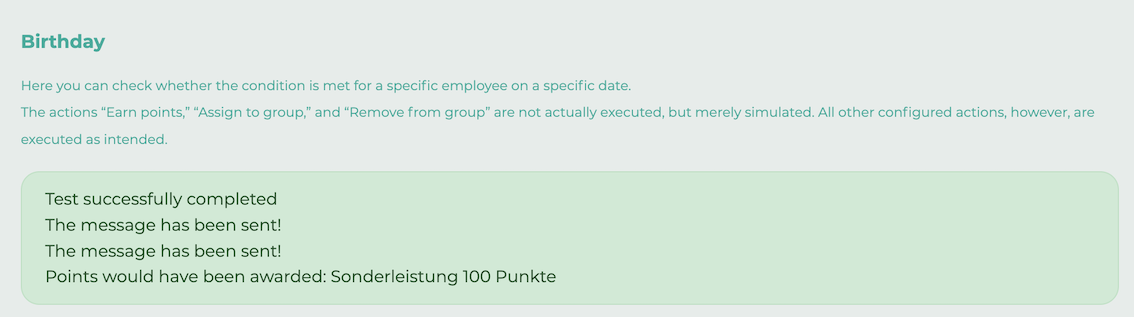
Once you've created an automation, you can test it.
¶ Step 1
In the overview, open the menu next to your chosen automation and click the play icon.

¶ Step 2
Select the options you want to check.
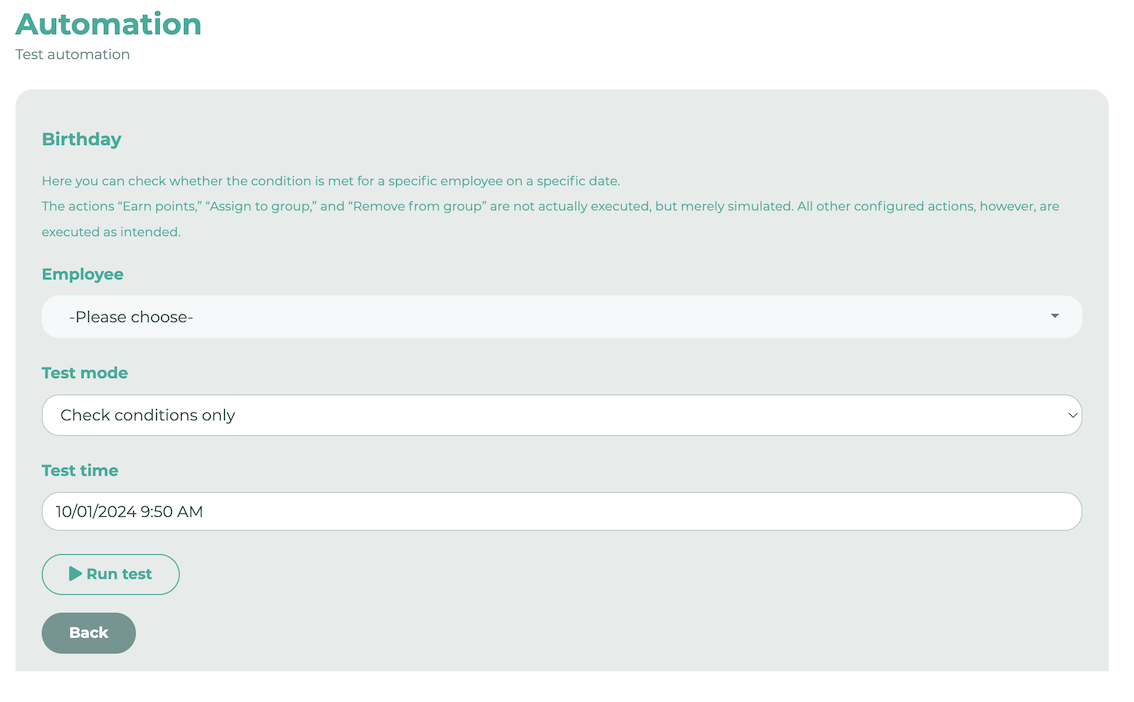
Employee: Select the person for whom the test should be run.
Test mode: Define what should be checked.
- Check conditions only: The system only checks whether the conditions apply to this person at the selected time.
- Execute actions only: The test will only verify whether the actions are executed for this person at the selected time.
- Check conditions and execute actions: Both of the above points will be verified.
The actions “Earn points,” “Assign to group,” and “Remove from group” are not actually executed, but merely simulated. All other configured actions, however, are executed as intended.
Test time: Select the time the test should consider. For example, if you want to test a birthday automation, enter the selected person’s date of birth here for this year or a future year.
¶ Step 3
Click Run test. You will receive a message indicating whether the test was successful.