¶ Step 1
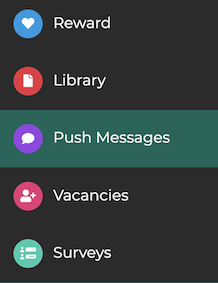
Go to the administration area and select Notifications from the menu.
¶ Step 2
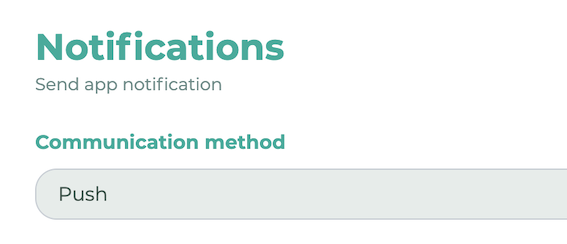
From the drop-down menu under Communication Type, select "Push."
¶ Step 3
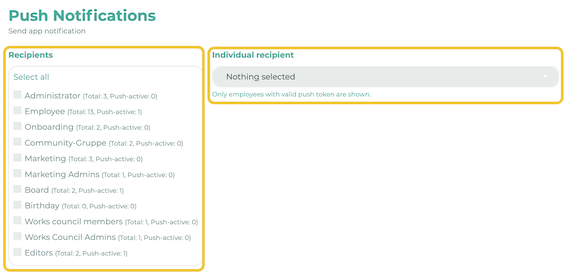
Select your recipient group. It is also possible to define and select individual recipients.
¶ Step 4
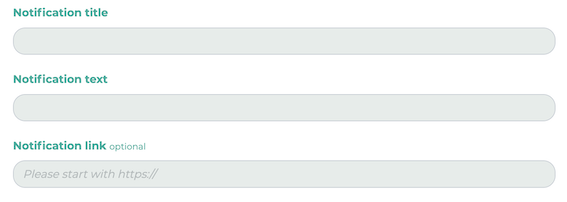
Fill the free spaces with your desired message (title / text). You also have the option to add a link, which will open when the push message is clicked.
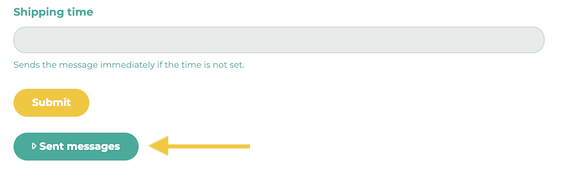
Click on Submit.
To get an overview of the sent push messages, simply click on Sent messages. Here you will now see a list of all sent push messages.
You can also link posts with a push message at the time of publication. Learn more here.