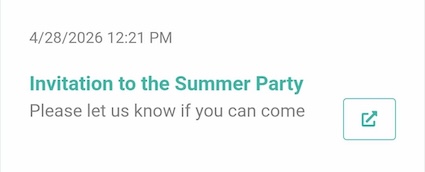
You can prevent push notifications from getting "lost" by giving your employees the option to view their push notification history.
¶ Step 1
Select the page where you want the message history to appear. For example, you can select the home page.
¶ Step 2
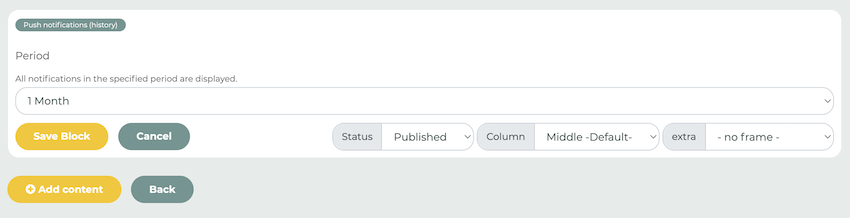
Edit the selected page using the pencil icon and click the “Add Content” button. From the menu, select the “Push Notifications (History)” option.
You can now define the time period for the push notifications.
Tip: You can also use this element to make push notifications visible in the web version. For example, the history will still be displayed even if a user has enabled “Do Not Disturb” mode.
Employees can now view their messages for the selected time period: