¶ Step 1
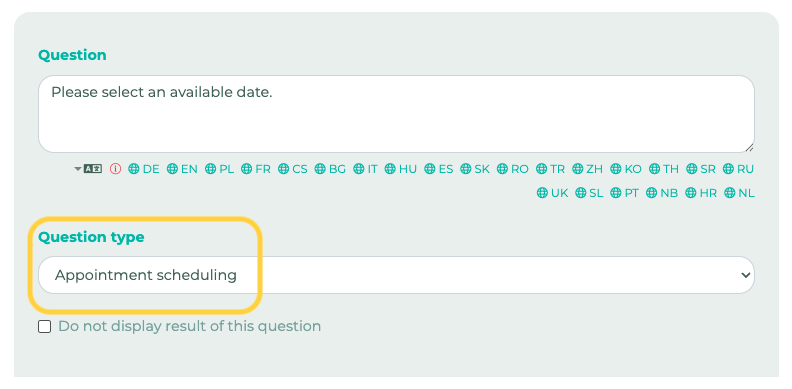
Create a new survey and add a new question. For the question type, select Appointment Scheduling:
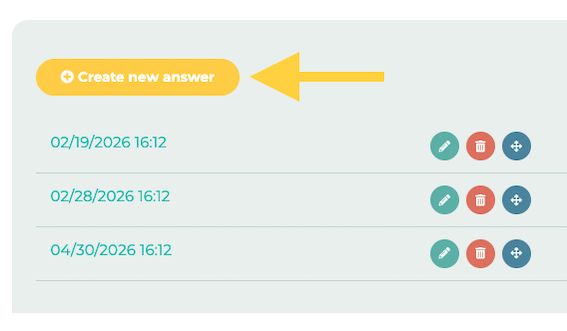
Now click on Create New Question and enter the desired appointment suggestions:
¶ Step 2
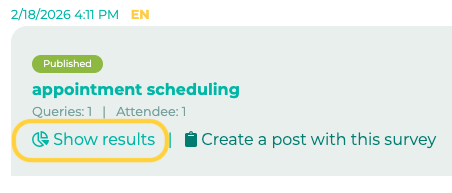
Publish the survey. Once employees have voted, you can evaluate the results in the admin area. To do this, click on Show results:
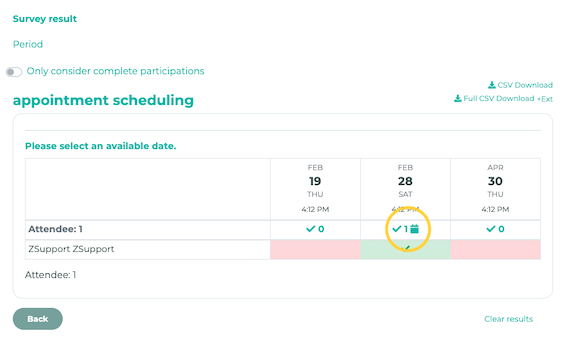
You can now create an appointment directly from the voting results by clicking on the calendar icon next to the respective option: