In many cases the autofill or autocomplete function of the browser causes problems when changing passwords or other settings. It can change or overwrite your entries in LOLYO, so that even after changing user data such as passwords or other texts several times, you will not achieve the desired result. Not only texts are affected, but also 'check marks' for activating/deactivating various options:
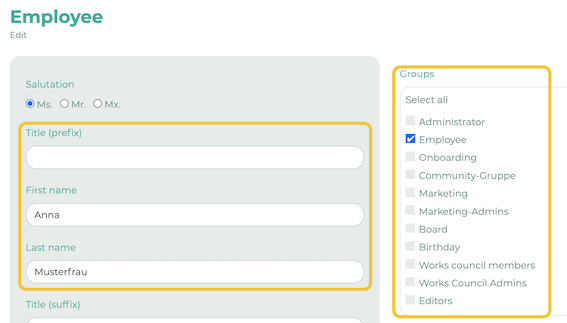
Tip: Use LOLYO with a browser in which autocomplete is deactivated so that your entries are not automatically overwritten. You can find more information on deactivating autocomplete here.